
So, what do you do if you need to turn the water on/off, and don’t have your phone handy? Or, you’ve got a renter who doesn’t have the app?
The YoLink system has 2 ways of turning the water on/off w/o the app.
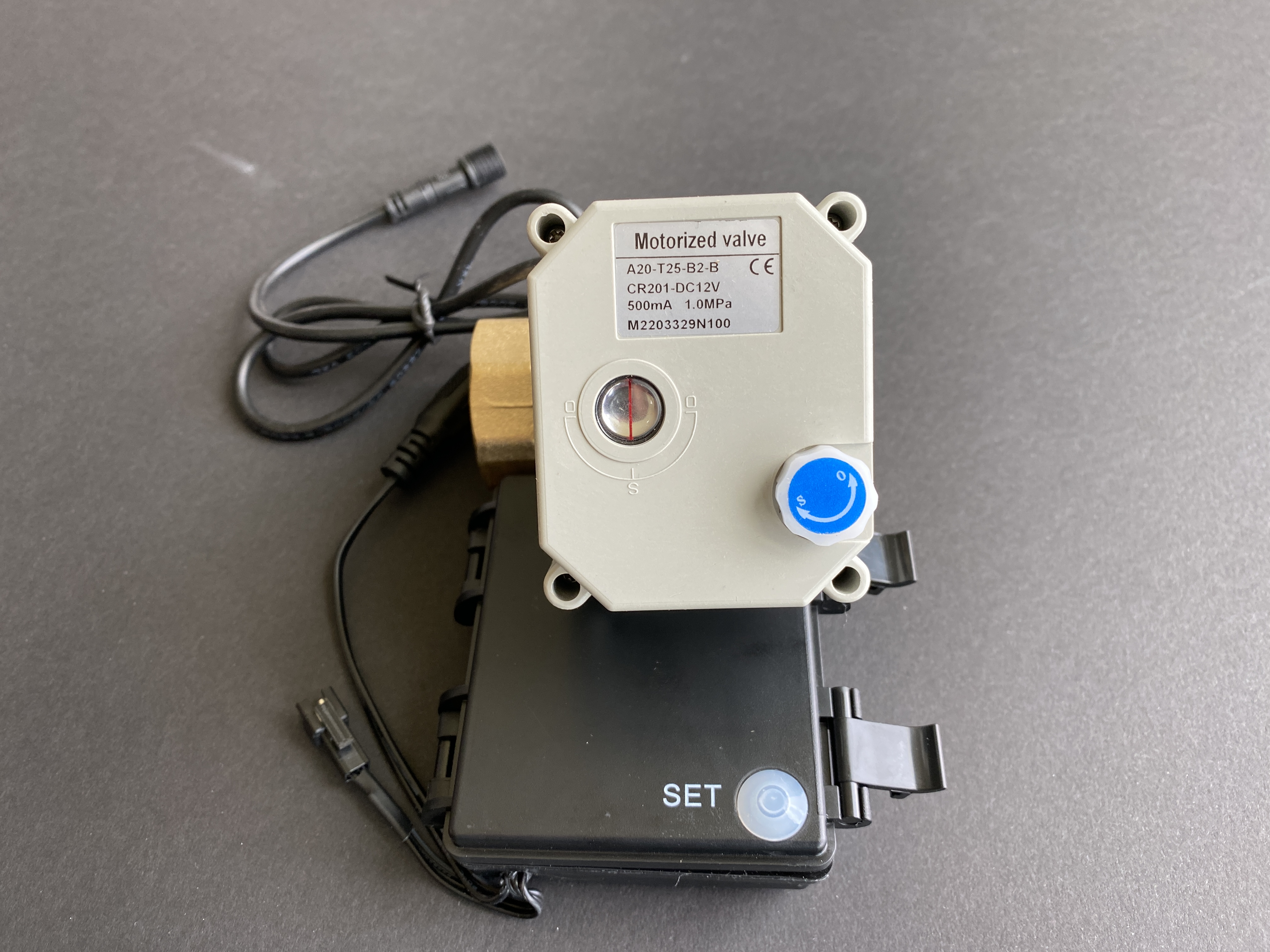
- Press the “Set” button on the controller as shown below – that toggles the valve state (you’ll hear the motor and gears whine as it moves). Press it again to turn the water off.
- If the batteries are dead or the controller is broken, you can pull the little knob on the top out, and turn it counterclockwise to open the valve, or clockwise to shut if (the little window shows the valve status – the one below is closed)
Hopefully, you won’t need to do any of this, but it’s good to have in case you do.
Back to Setting up leak sensors, etc. - what do you need, and how to set it up